PDF reader online
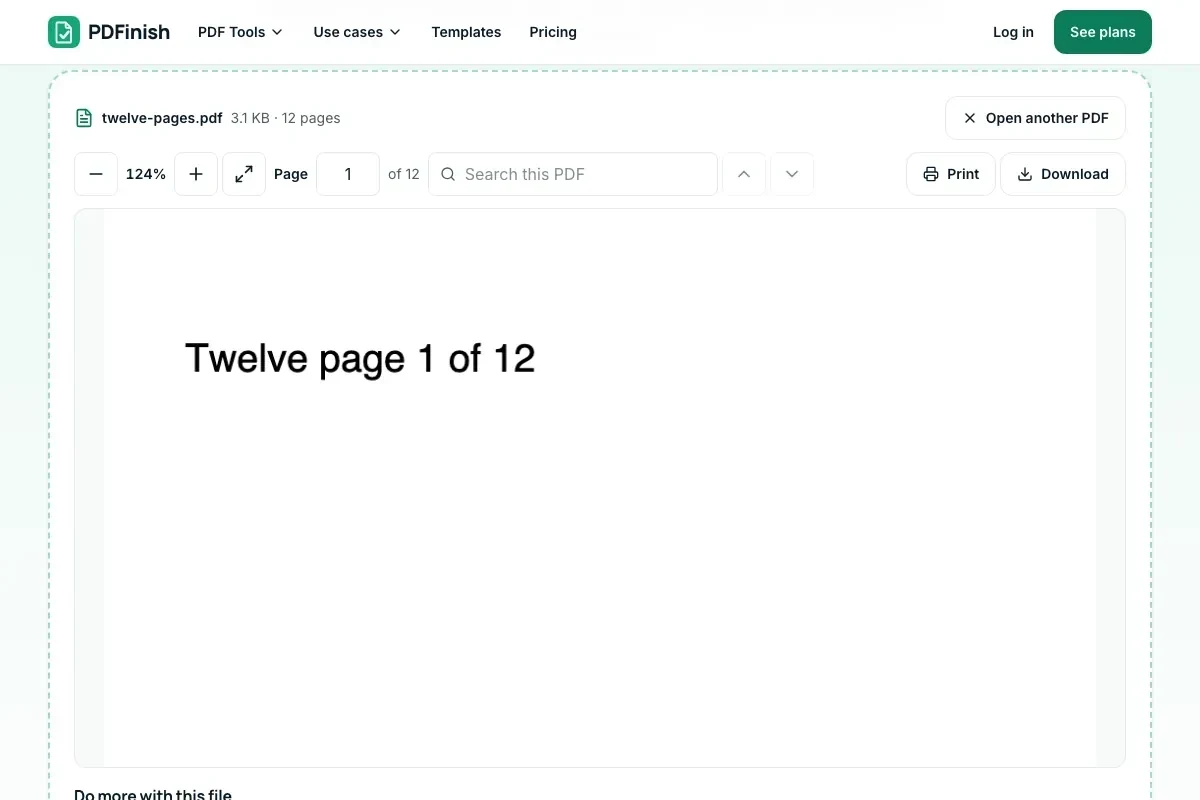
Choose a PDF to read it here. Scroll, zoom, search and print.
or drop it here. PDF files up to 500 MB
Your file stays on your device. Nothing is uploaded unless you choose Email it to me.
- No ads
- Nothing to install
How it works
1. Open your PDF
Choose it from your device or drop it on the page.
2. Read, zoom and search
Scroll, zoom, jump to a page or search for a word.
3. Print, save or do more
Print or save a copy, or send it to another tool.
What you can do in this tool
Search and jump
Search for a word, or jump to a page number.
Zoom and fit
Zoom in, or fit the page to your screen. Pinch to zoom on a phone or tablet.
Password-protected files
Type the password and the file opens. The password stays in your browser.
Send it on in one click
Sign, fill, edit, compress, merge or protect it without uploading the file.
Free and unlimited
Reading is free, with no sign-up and nothing to install.
Good to know
- Nothing is uploaded. Your PDF opens in this browser tab and stays on your device.
- Password-protected files open when you type the password. We never crack or bypass protection.
Common questions
Is the PDF reader free?
Yes. Reading is free, there is no sign-up, and it does not count toward your free uses. Tools like Sign PDF or Compress PDF keep their own free limits, and they count only when you run them.
Do I need to install anything to open a PDF?
No. The reader runs in your browser, so there is nothing to download or install. Open this page on a computer, phone or tablet and choose your file.
Is my PDF uploaded when I read it here?
No. The file is opened by your browser and is never sent to our servers. Close the page and it is gone from the reader.
Can it open a password-protected PDF?
Yes, if you have the password. The reader asks for it, and the password stays in your browser. We never crack or bypass protection, so a file you do not have the password for will not open.
Does the PDF reader work on iPhone and Android?
Yes. It works in the browser on iPhone, iPad, Android phones and tablets. Pinch to zoom, scroll to move through the pages, and use the search box to find a word. Very large files may open slowly on older phones.
Why won't my PDF open?
The file may be damaged, cut short during a download, or not a PDF at all, for example a renamed Word file. Try downloading it again. If it asks for a password, type it. If a file still will not open, ask the sender for a fresh copy.
Can I edit, sign or fill in the PDF after reading it?
Yes. Under the reader, choose Sign, Fill, Edit, Compress, Merge or Protect and your file moves to that tool without being uploaded. The use counts only when you run the tool, not when you read.
Can I use PDF Reader on a Windows PC?
Yes. Open this page in Chrome or Edge on your PC, add your file and download the result. Nothing to install, and your file stays on your device.
More about this tool
How to read a PDF online in 3 steps
To read a PDF online, choose the file or drop it on the reader, and it opens in your browser, where you can scroll, zoom, search for a word, jump to a page and print. Nothing is uploaded, and password-protected files open when you type the password.
- 1
Open your PDF
Drop the file onto the reader, or choose it from your device. It opens in your browser straight away.
- 2
Read, zoom and search
Scroll through the pages, zoom in or fit the page to your screen, jump to a page number, or search for a word.
- 3
Print, save or do more
Print the file or save a copy. If you want to sign, fill, edit, compress, merge or protect it, send it to that tool in one click.
Key facts
- Privacy: We don't sell your data. This tool runs in your browser, so your files stay on your device and are never uploaded.
- Ads: none. No third-party ads and no ad cookies.
- Limits: none for reading. Opening a PDF here is not a use, so it never uses up your free uses. Files up to 500 MB open.
- Price: free, with no sign-up. Tools you send the file to, such as Sign PDF or Compress PDF, keep their own free limits and count only when you run them.
- Works on: Windows, Mac, iPhone, Android. Nothing to install.
- Reading is free and unlimited: opening a PDF here does not use up a free use, and reading has no limit.
- Opens password-protected PDFs when you type the password. The password stays in your browser.
- Works on phones, tablets and computers, with no app to install and no sign-up.
Last updated:
By the PDFinish editorial team · Reviewed
Background
New to the format? Read what a PDF is and how its pages, fonts and forms work, or the history of PDF.
Related toolsEdit
PDF Annotator
Highlight text, add comments, notes and drawings to a PDF.
PDF Compare
See every word added, removed or changed.
Sign PDF
Draw or type your signature and place it on the page.
Fill PDF
Fill any PDF form: type, tick, sign and date.
PDF Editor
Change a line of text, or add text, shapes and images.
EPUB to PDF
Turn an EPUB book into a PDF, with its contents as bookmarks.